
Discord
Access and roles
Joining the server and unlocking member channels are separate steps. Connect your Discord account to your eligible TanukiTrade membership so the Premium role can be assigned.
Your trial or PRO membership determines access.
My Account links the Discord account you authorize.
The role unlocks member channels and the GEX bots.
Connect your account
- Sign in to the Member Area. Open your TanukiTrade account and go to My Account.
- Select Connect Discord. Check that the authorization screen shows the Discord account you want to use. Review the requested permissions, then authorize the connection.
- Confirm server membership. If the server is still missing, join with the invite, then use Connect Discord again.
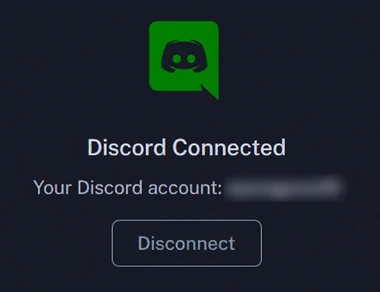
- Check the result. My Account should show Discord as connected. Reopen Discord and confirm that the member channels are visible.
The server requires a phone-verified Discord account. Complete that verification in Discord if it is requested, then retry the connection.
What a connected account looks like
How the Premium role changes
| Account or server change | What to expect |
|---|---|
| Eligible membership is active | The linked Discord account can receive the Premium role and access member channels. |
| Subscription access ends | The Premium role and member-channel access end. Public channels remain available while you stay in the server. |
| You leave the server | Rejoin and use Connect Discord again to restore the link and eligible role. |
| You select Disconnect Discord | The member role is removed from that Discord account. This does not cancel your TanukiTrade subscription. |
Connect a different Discord account
Disconnect the current account in My Account. Sign in to the intended Discord account in your browser, then select Connect Discord again and verify the account shown on the authorization screen. Changing a display name is different from switching to another Discord account.
If member channels do not appear
- Allow a few minutes, then fully close and reopen Discord.
- Confirm you are in the TanukiTrade server and using the account shown in My Account.
- Check your membership and billing status in the Member Area.
- If the role is still missing, contact support with the connection status and what you tried.
Use the Premium-role checklist for further checks. Send billing details through private support chat, rather than a public Discord channel.
TanukiTrade documentation. Levels are context, not a recommendation. tanukitrade.com