
Getting Started · Step 4
Explore the Discord community.
Discord is where you find product help, educational material, and the GEX bots. Connect your Discord account in My Account to join the server and receive the Premium member role.
What you need
- A signed-in Member Area session from Step 1.
- A Discord account with a verified phone number, as required to join the TanukiTrade server.
- The invite discord.gg/Dd8njgQwEQ if Connect Discord did not place you in the server.
Steps
If My Account already shows Discord as connected and the server is in your Discord sidebar, continue directly to START HERE.
- Open My Account in the Member Area and select Connect Discord.
- Review the requested permissions on Discord's authorization screen and select Authorize to link your account and join the TanukiTrade server.
- Join with the invite if the server is still missing. Open discord.gg/Dd8njgQwEQ, join the server, then click Connect Discord in My Account again so the Premium role can attach.
- Confirm that member channels are visible. The Premium role opens them. Public channels remain visible without it.
- Read
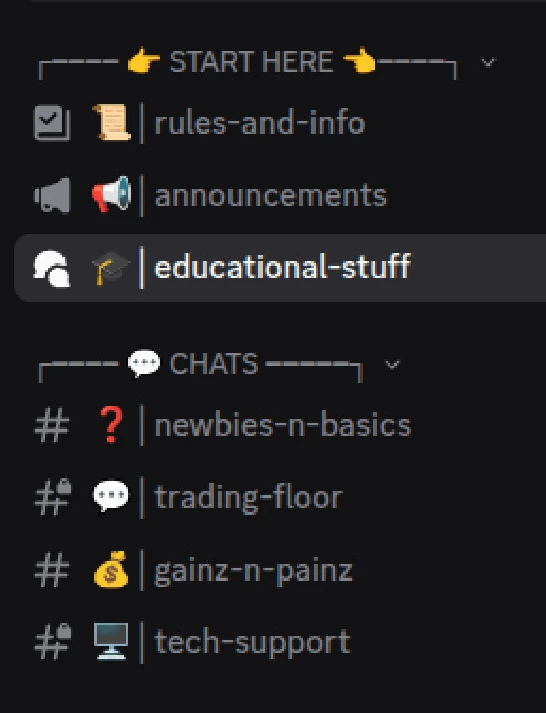
rules-and-infoandeducational-stuffunder START HERE. - Pick a room for the next question. How the tools work:
newbies-n-basics. Something broken:tech-support. A slash command:GEX-BOT-proonly.
What you should see
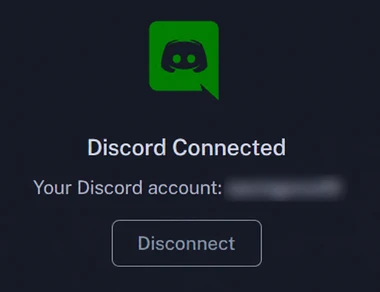
My Account shows your Discord account as connected, and the Discord sidebar shows START HERE above CHATS with member channels unlocked.
The Discord overview has the complete server map, bot command guide, and posting rules.
If something goes wrong
- No Premium role after five minutes. Quit Discord completely and reopen it. Confirm that My Account shows the Discord handle you are using. A past-due invoice pauses the role. Follow the Premium role not appearing checklist.
- The join is rejected. Verify a phone number on Discord, then Connect Discord again.
/gexdoes nothing. Use it only inGEX-BOT-pro. Try/helpthere. Discord DMs do not run the bot.- You do not want to use Discord. That is fine. The TradingView indicators, the GEX Live WebApp, and the REST API and MCP work without connecting Discord.
TanukiTrade documentation. Levels are context, not a recommendation. tanukitrade.com